Guide
How to create on-model photos without a photoshoot
On-model photos sell fashion — but booking a shoot for every product and every drop doesn't scale. This guide explains how AI on-model photography works in practice, what you need to start, and how brands use it alongside (not instead of) classic photography.
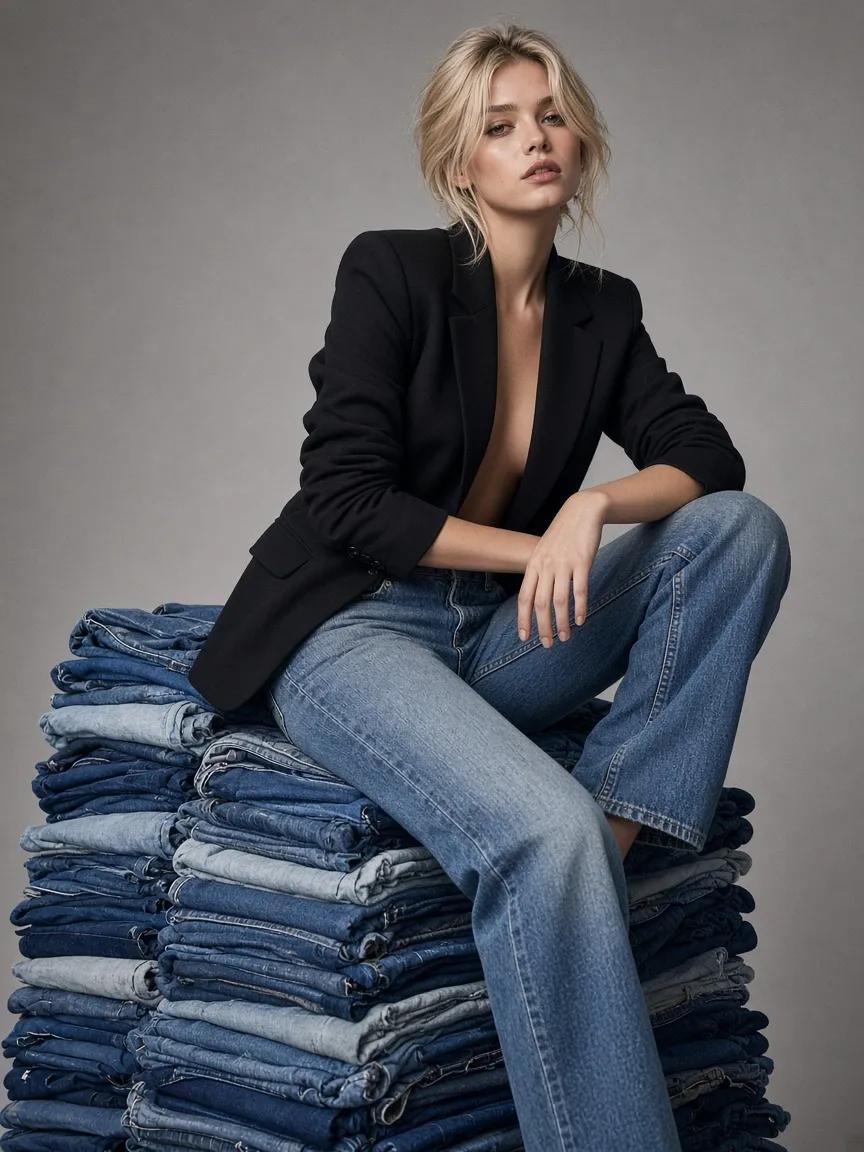
Why brands look for an alternative
A traditional shoot day bundles model casting, studio, styling, photography and retouching into one expensive, slow appointment — repeated every season, for a fraction of the catalog. The result: products sit ready in the warehouse while the shop waits on imagery, and most SKUs end up with a flat packshot instead of a worn view. AI on-model photography attacks exactly that gap: catalog-scale imagery, produced on demand.
How it works, step by step
- Start from your catalog. Connect your shop (for example Shopify) or upload products. Every generated look stays tied to its product, so the item shown is the item sold.
- Cast a reusable AI model. Instead of booking a person per shoot, you cast a synthetic model once — and reuse the same face and proportions across products, collections and campaigns.
- Brief the shot, don't prompt it. Choose the outfit combination and the views you need — front, detail, lifestyle. A studio workflow translates that into generations; you don't write image prompts.
- Review like a photo editor. Generate, compare, re-shoot single frames in minutes. Only the frames you approve move on — quality control stays human.
- Publish where it sells. Approved stills (and short UGC video) go back to the product page and your channels, labeled AI-generated for transparency under EU AI Act Art. 50.
What it costs compared to a shoot day
AI on-model photography is priced per successful result, not per booked day. Failed generations are not billed. A classic shoot day — model, photographer, styling, retouching — is a fixed cost before a single image is approved; here you scale the spend with the catalog you actually need. Current rates: TrAI Studio pricing.
When a classic photoshoot is still the better choice
Honestly: for a hero campaign built around a real person's story, a specific location, or a photographer's signature look, book the shoot. AI on-model photography wins where catalogs are large, drops are frequent, and imagery has to keep pace with stock — PDPs, collection launches, marketplaces and social. Most brands end up with both: real shoots for the campaign, AI for the catalog that carries the revenue.
Common questions
- Do I need professional product photos to start?
- No. Clear catalog product images are enough — the studio works from the product data you already have in Shopify or as uploads. The cleaner the source image, the more faithful the result.
- Will the model look the same across all my products?
- Yes — that is the point of casting a reusable AI model. The same face, proportions and styling carry across every product, collection and campaign you produce.
- Are AI on-model photos legal to use commercially?
- Generated imagery must be labeled as AI-generated (EU AI Act Art. 50) — TrAI Studio applies the label to every image and video. You review and approve every frame before it reaches your shop.